Search history
What this is for
History is stored locally only and encrypted with Windows DPAPI for your account.
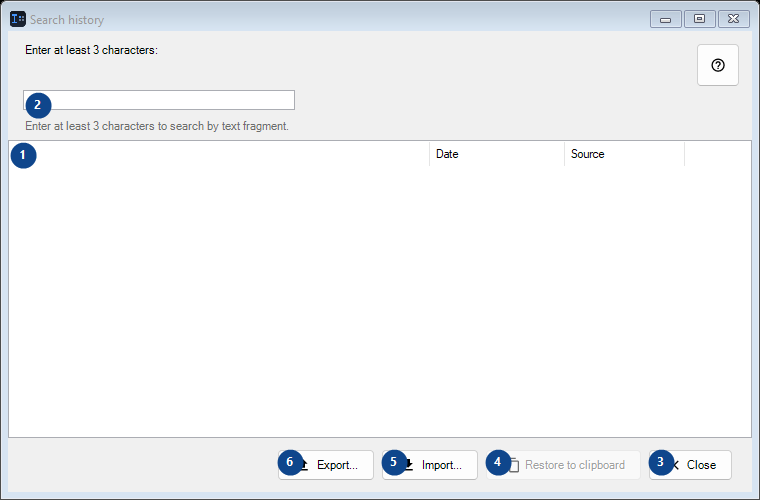
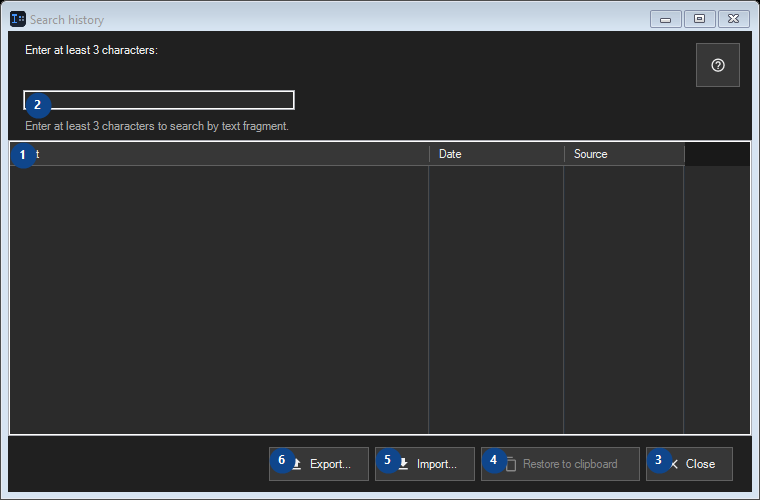
In this order
Read the numbered elements, choose the values you need, then use the window’s command to continue.
The elements
1. The elements
This area shows the current contents or status. Select an entry to work with it. Text / Date / Source
Your shortcuts2. Enter at least 3 characters:
Choose or enter the value for the adjacent label. Review it before continuing.
Your shortcuts3. Close
Use this command when you need the action named above. Review any confirmation before accepting it.
Your shortcuts4. Restore to clipboard
Use this command when you need the action named above. Review any confirmation before accepting it. This control is currently unavailable. Enable its feature or select an entry first.
Your shortcuts5. Import...
Use this command when you need the action named above. Review any confirmation before accepting it.
Your shortcuts6. Export...
Use this command when you need the action named above. Review any confirmation before accepting it.
Your shortcuts