Export to exchange file
What this is for
Read the numbered elements, choose the values you need, then use the window’s command to continue.
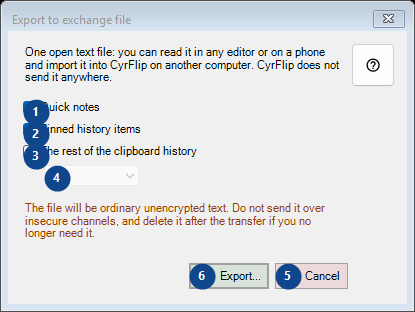
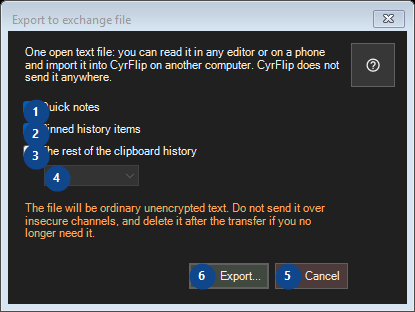
In this order
Read the numbered elements, choose the values you need, then use the window’s command to continue.
The elements
1. Quick notes
Use this command when you need the action named above. Review any confirmation before accepting it.
Your shortcuts2. Pinned history items
Use this command when you need the action named above. Review any confirmation before accepting it.
Your shortcuts3. The rest of the clipboard history
Use this command when you need the action named above. Review any confirmation before accepting it.
Your shortcuts4. One open text file: you can read it in any editor or on a phone and import it into CyrFlip on another computer. CyrFlip does not send it anywhere.
Choose or enter the value for the adjacent label. Review it before continuing. This control is currently unavailable. Enable its feature or select an entry first.
Your shortcuts5. Cancel
Use this command when you need the action named above. Review any confirmation before accepting it.
Your shortcuts6. Export...
Use this command when you need the action named above. Review any confirmation before accepting it.
Your shortcuts