26.10.10 14:46
Media exchange between your devices
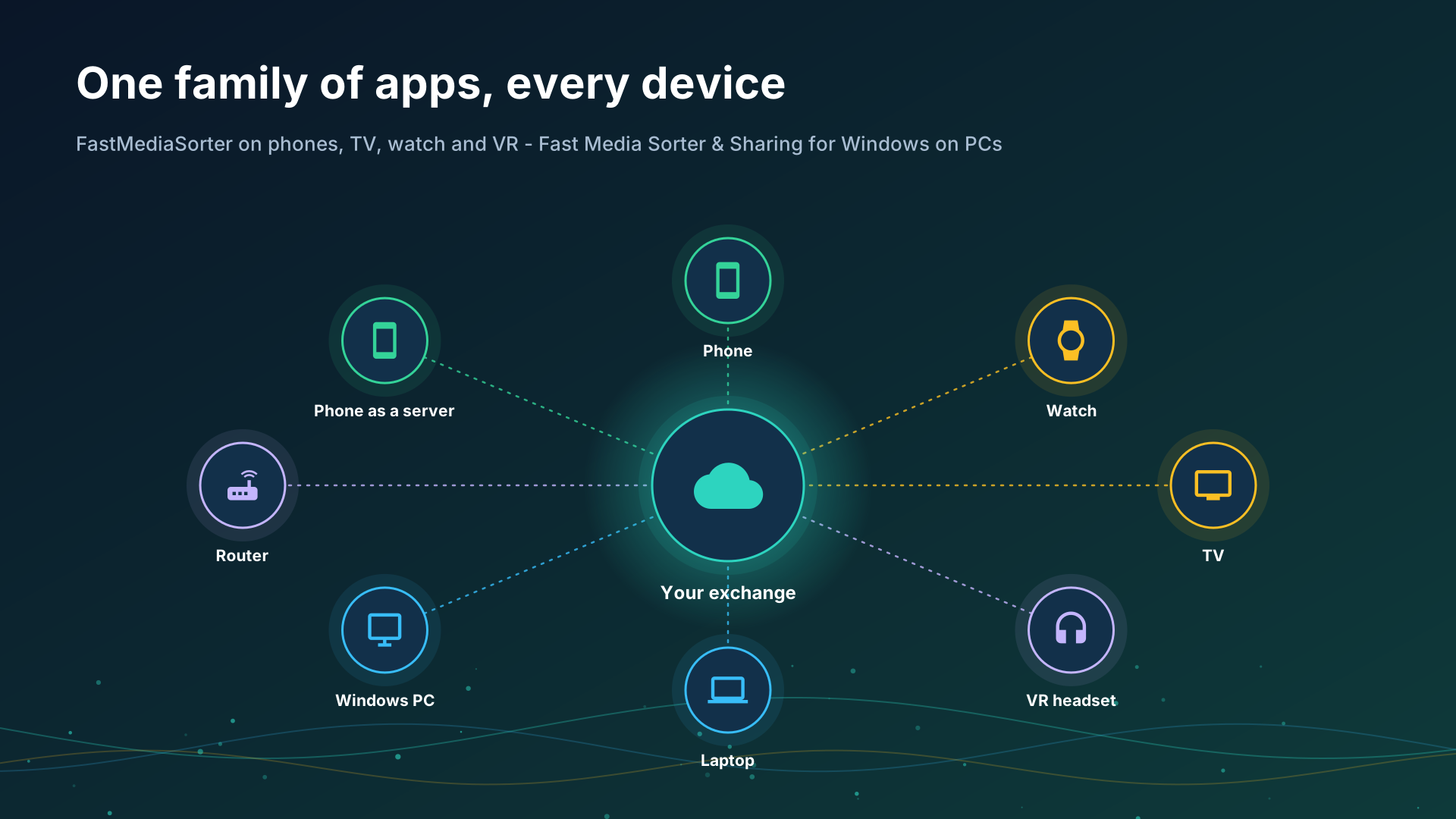
Your photos, videos and music live on several devices at once - a phone, a PC, a watch, a TV. This portal answers two questions before any setup: which way of connecting fits you, and which program does what on each device. Every section ends with links to the detailed step-by-step guides.
Choose your way
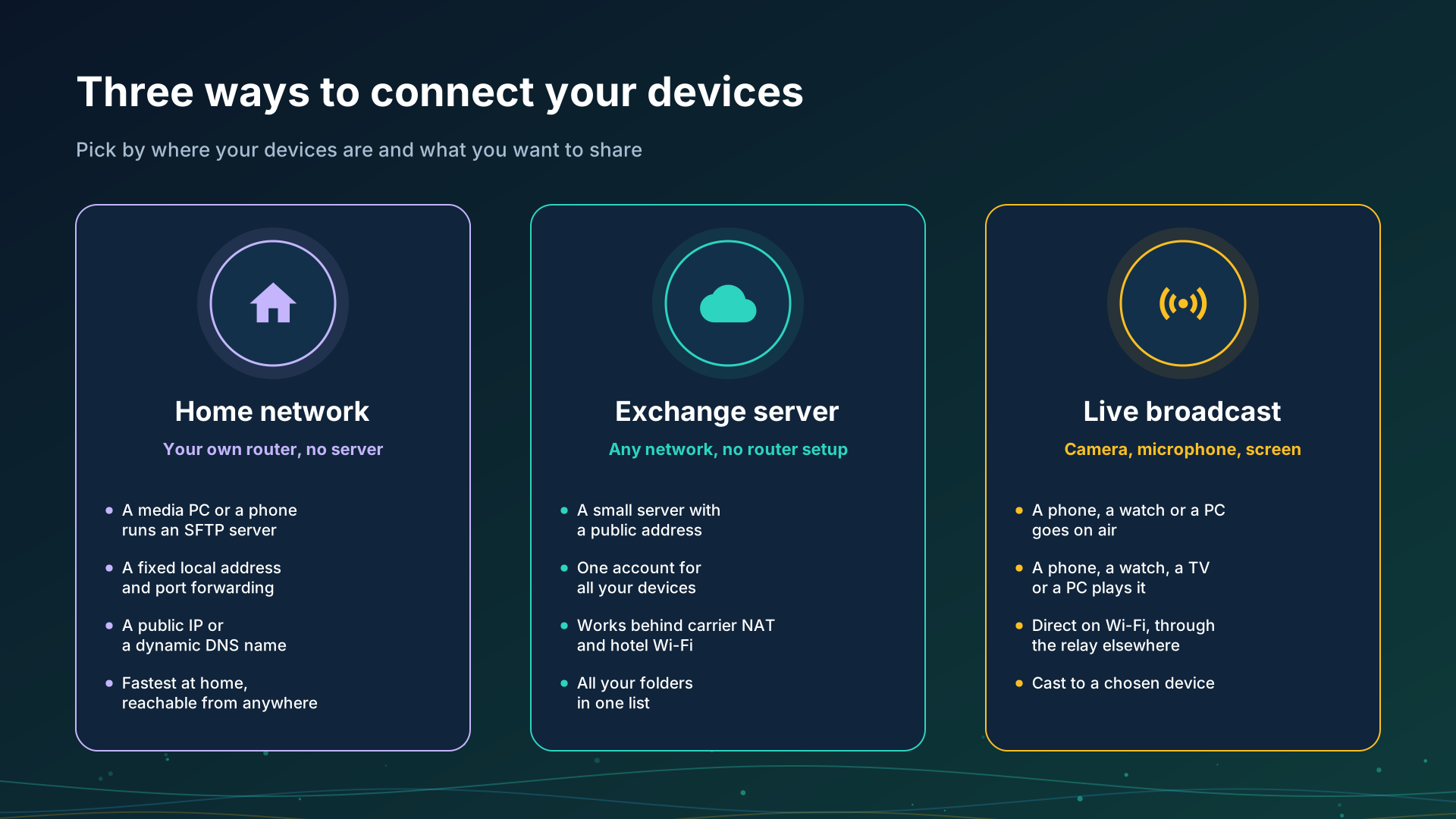
- Home network - your own router, no extra server. A media PC or a phone shares folders over SFTP; at home everything connects directly at full speed, and with one forwarded port the same folders open from anywhere. Works today.
- Exchange server - one account for all your devices, from any network, with no router setup. Not available yet - the section says what already works instead.
- Live broadcast - a phone or a watch goes on air with its camera or microphone, and your other devices play it. Works today on one Wi-Fi network; the relay for other networks and broadcasting from a PC are not available yet.
Two more sections cover the ways that need no setup of your own:
- Clouds - Google Drive, Dropbox and OneDrive as a shared box that every signed-in device opens.
- Editions - which edition of the Android app has network folders, clouds, broadcasting and the watch companion.
Which program does what
| Device | Program | What it does for exchange |
|---|---|---|
| Android phone or tablet | FastMediaSorter | Opens network folders (SMB, SFTP, FTP) and clouds; shares its own folders as an SFTP server; goes live with its camera or microphone; plays broadcasts; casts to a Chromecast |
| Wear OS watch | FastMedia Wear, the watch app paired with FastMediaSorter on the phone | Opens network folders, its own or sent from the phone; receives files from the phone; broadcasts its microphone to up to four listeners; plays a broadcast the phone sends to it |
| Android TV | FastMediaSorter | Opens network folders and clouds; plays broadcasts and internet streams |
| VR headset | FastMediaSorter, VR edition | Opens network folders and clouds; plays broadcasts and internet streams inside the headset |
| Windows PC | Fast Media Sorter & Sharing for Windows | Shares the folders you pick over SFTP to phones and to any SFTP app; pairs a phone by QR code or by a configuration file; the Server edition keeps sharing with nobody signed in; the development version also opens SFTP servers like a folder |
| Windows PC | STREAMS Player | Plays live broadcasts from a phone or a watch |
What works today and what does not yet
Works today:
- Network folders on a PC, a NAS or a router: SMB, SFTP and FTP, with automatic discovery of servers on your network.
- A phone sharing its own folders as an SFTP server, paired with another phone in one scan.
- A Windows PC sharing folders to the phone by QR code or file. One code carries the local, IPv6 and internet addresses, and the PC tries to open the router port by itself and checks it from outside.
- The always-on Server edition: a Windows PC that shares as a service, with nobody signed in.
- Google Drive, Dropbox and OneDrive.
- Live broadcast from a phone or a watch to devices on the same Wi-Fi network, and sending a broadcast to the watch.
- Chromecast for files, videos and live streams.
Not available yet:
- The public exchange server: one account, one folder list across devices, access from any network without router setup.
- The broadcast relay for receivers outside your Wi-Fi network.
- Cast between your own devices through the exchange server, where the receiving device asks before it plays.
- Broadcasting from a Windows PC, and the Windows PC as a member of an exchange account.
The family of programs
- FastMediaSorter for Android - phone, tablet, TV, watch and VR headset.
- Fast Media Sorter & Sharing for Windows - sorting on the PC and sharing its folders.
- STREAMS Player - live streams and broadcasts on Windows.
The detailed guides of the Android app are in its documentation.